
Trade A Chart That
Shows The Whole Plan
See your entry, your stop, and your targets before you take the trade.
Every Tool On The Chart Has A Job
Your Reference Levels, Together
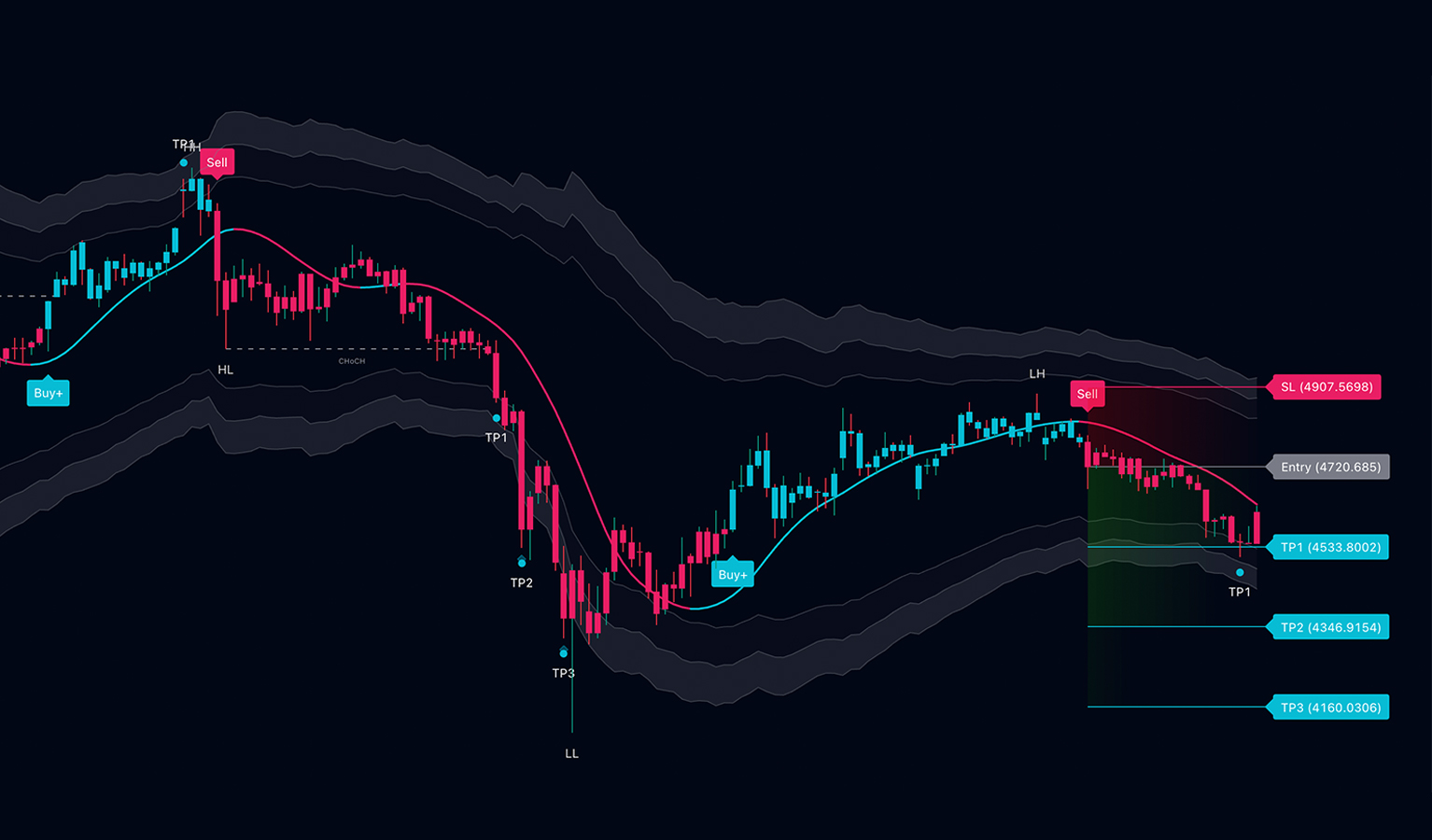
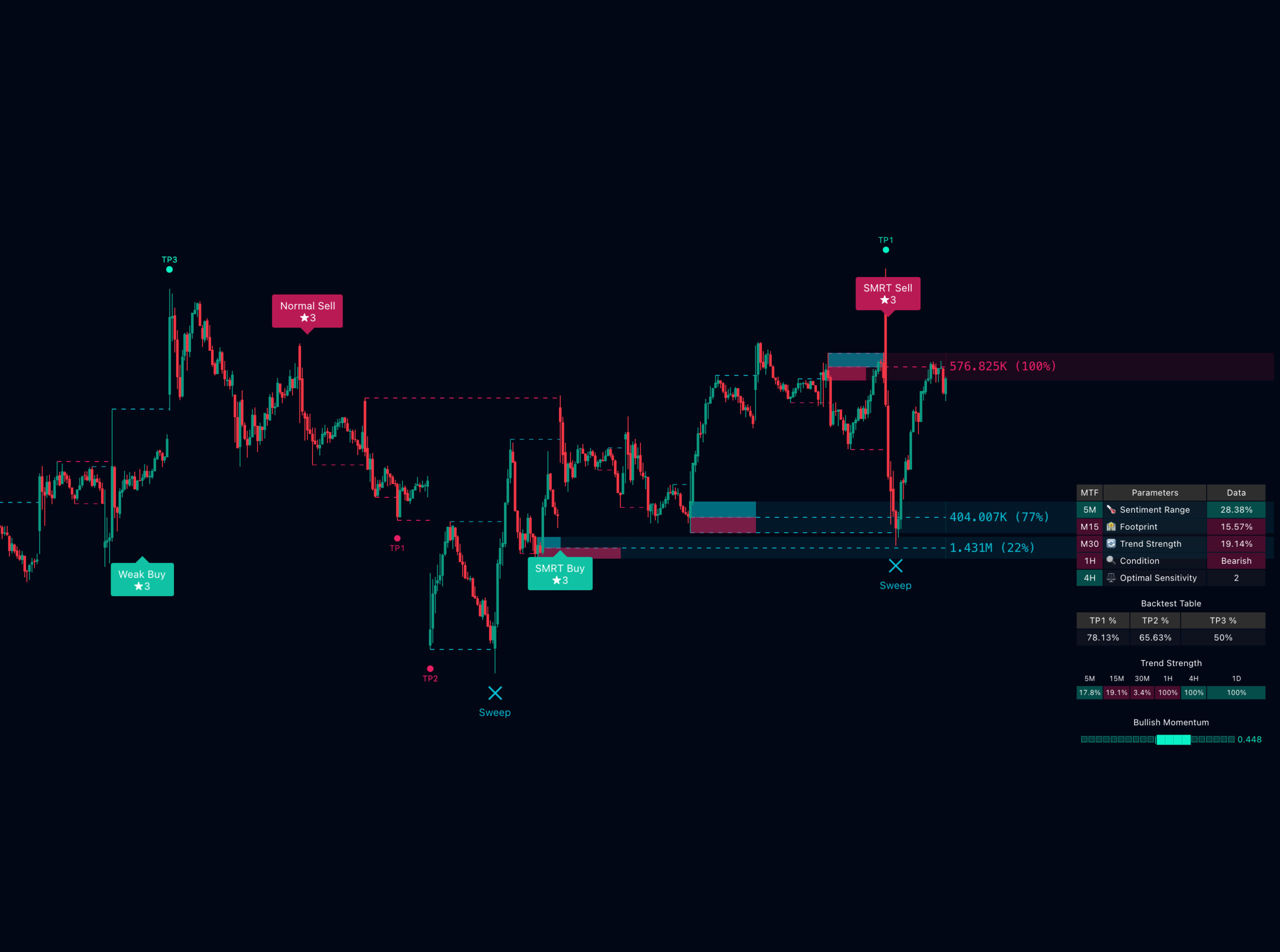
Pro V5 marks your entry, your stop, and your targets together. It shows a strength score next to them. You no longer draw the levels by hand.
- Entry, stop and three targets marked together
- Review each setup alongside its displayed score
- Levels set at candle close and never repaint
- Works as a filter, not a trigger
The Higher-Timeframe Read, Already On The Chart
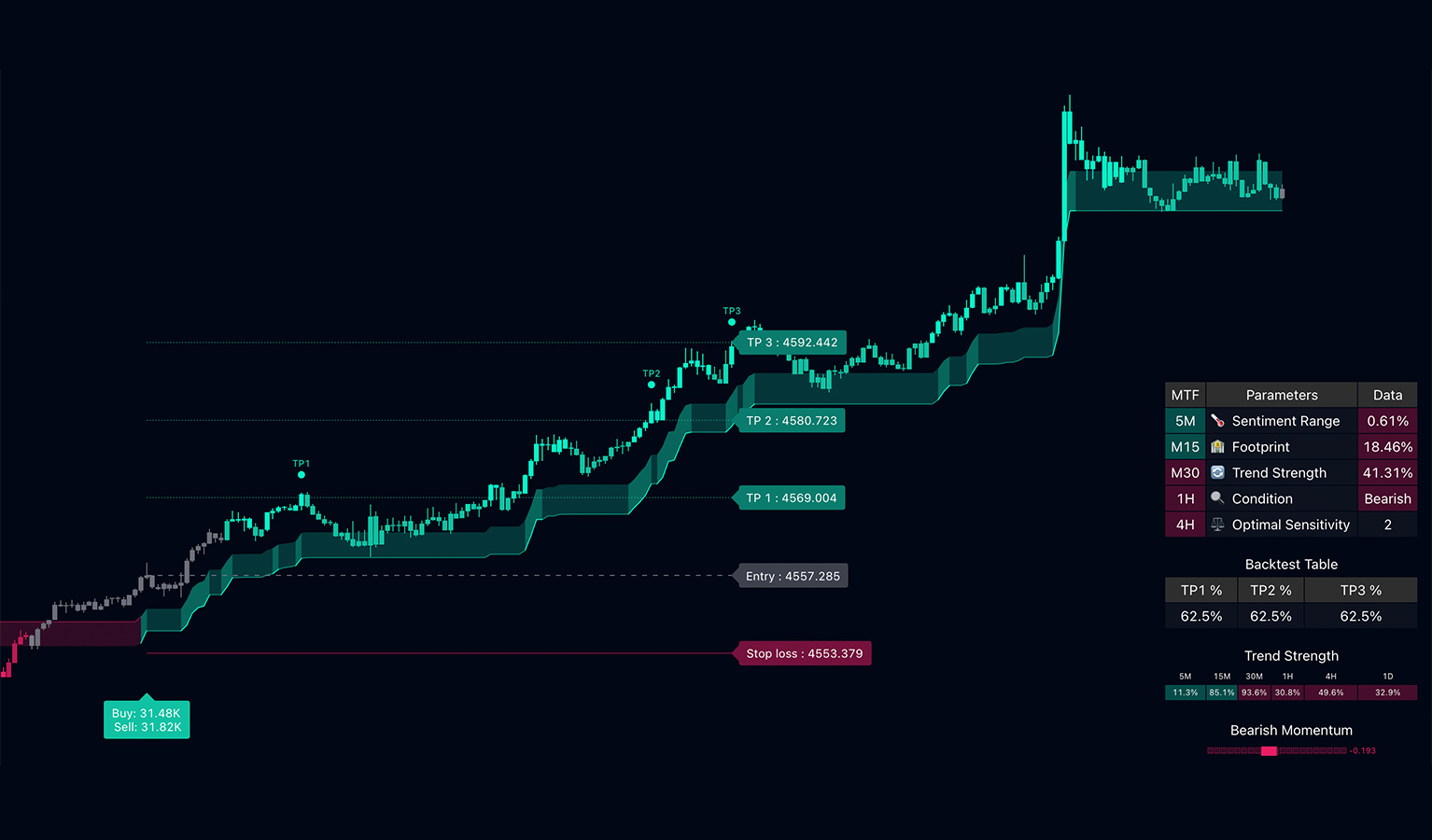
One panel shows trend, mood, and market state from 5m to daily. It sits right on your chart. The check you run before each trade is already there.
- See every timeframe from one chart
- It labels the market: trending, ranging, or turning
- Compare stop references with displayed market structure
- It flags liquidity sweeps as they happen
Explore Liquidity And Structure
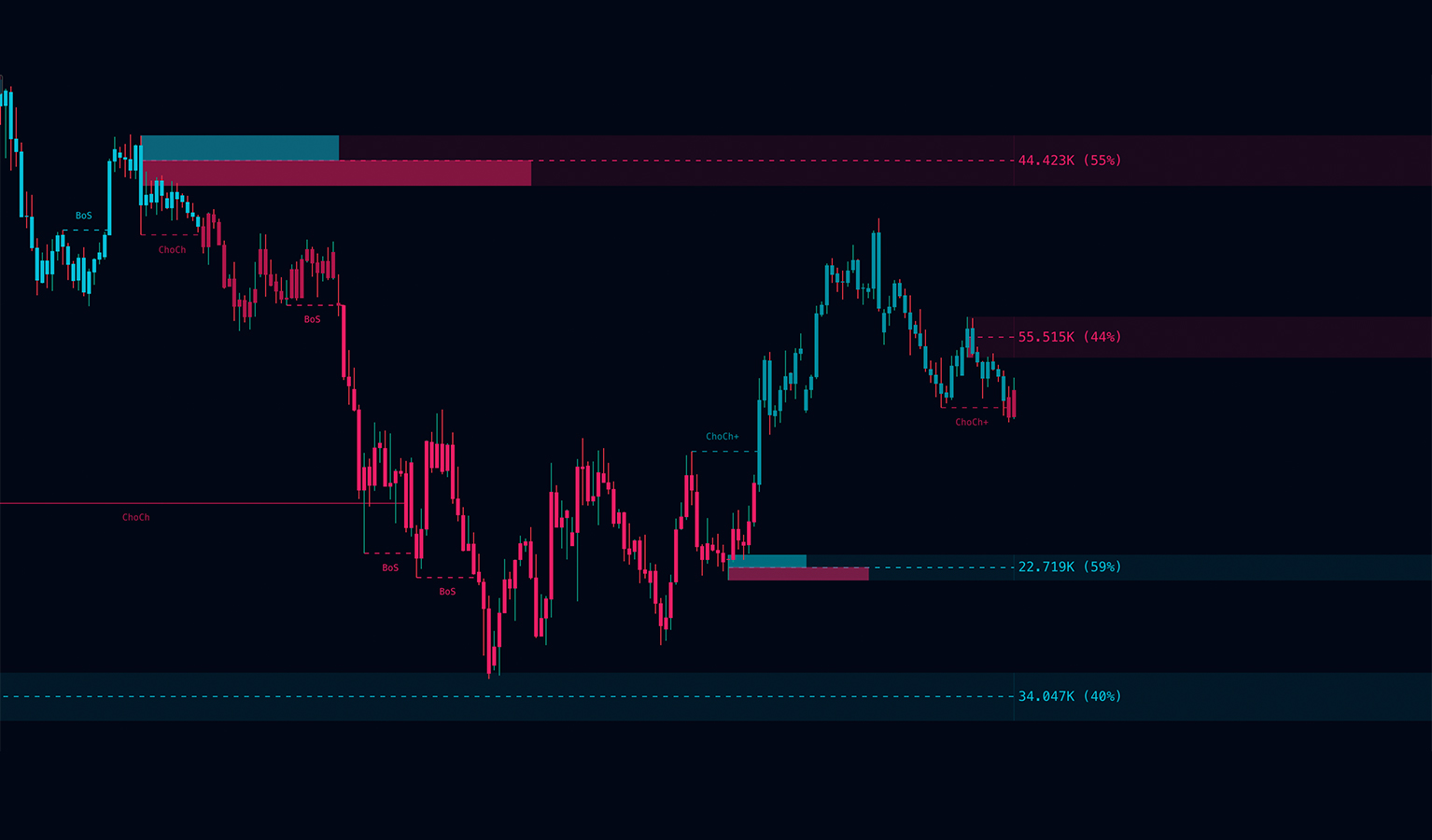
It draws order blocks, fair-value gaps, and volume levels as the session runs. No more marking zones by hand.
- Order blocks and fair-value gaps drawn as they form
- Volume levels marked with the share of volume traded
- Premium and discount zones shaded
- Each layer can be turned off independently
The Confluence Engine
Five factors have to agree. You already know the setups. This just shows if the conditions are there.
Read Market Structure Across Timeframes
It reads liquidity, structure, and order blocks on every timeframe. Context comes first.
Run The Confluence Engine
A setup is marked only when all five agree: momentum, volume, volatility, structure, and trend. When they do not, nothing is drawn. That tells you something too.
Lock The Levels At Candle Close
Once a setup qualifies, your entry, stop, and targets lock on the chart. Nothing moves. Nothing repaints.
The Same Chart, Made Clear
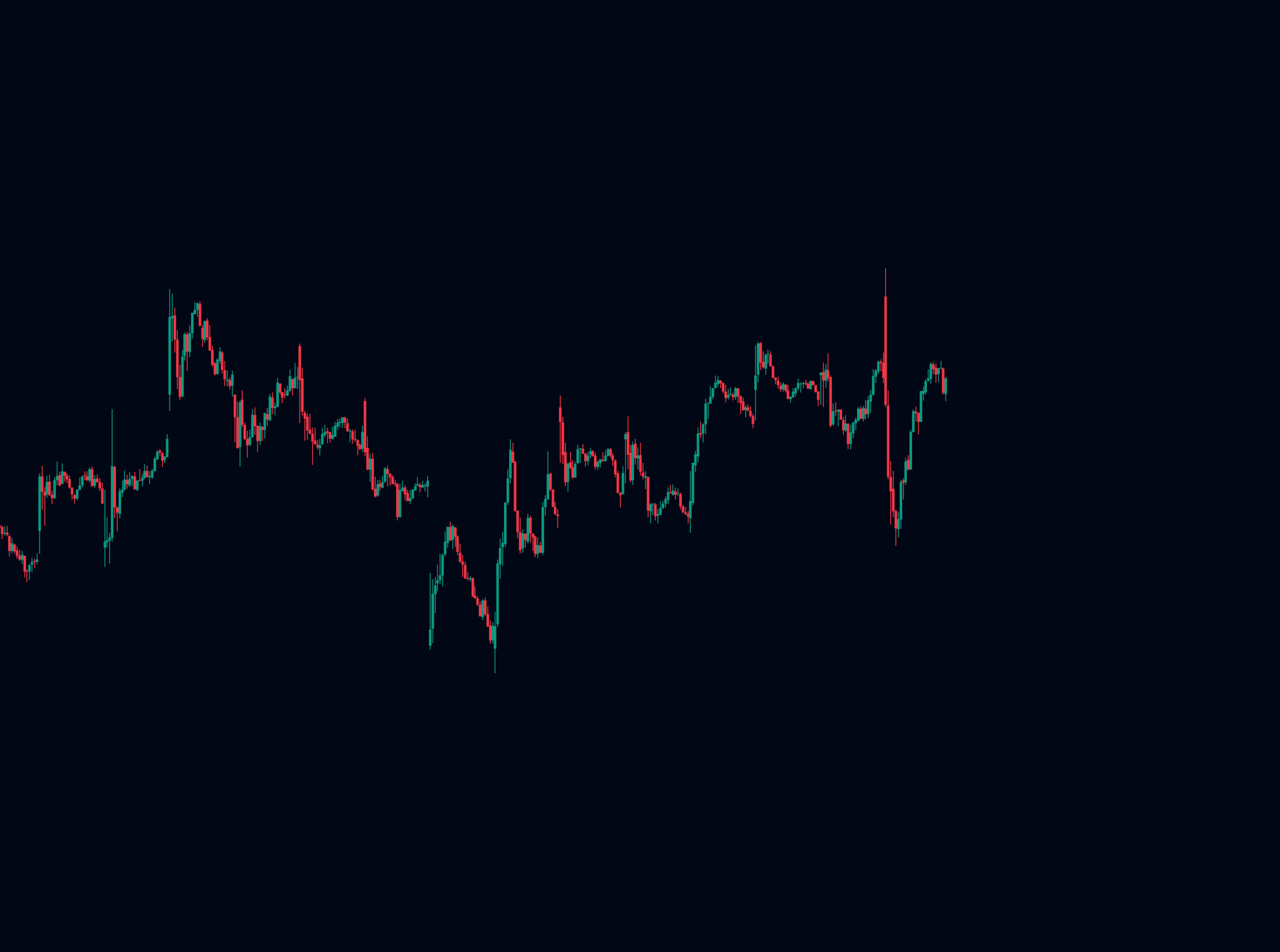
On the left, a raw chart. On the right, the same chart with your entry, stop, and targets marked.
 Without SMRT Algo
With SMRT Algo
Without SMRT Algo
With SMRT Algo
Built To Read The Whole Chart
Each tool adds a layer to your read: structure, momentum, and volume. Not one more opinion to sort out.
Alerts Instead Of Screen Time
Set an alert on the setup you want. Leave the chart. Check back when a setup qualifies.
These alerts are examples only.
How Traders Use The Tools
These are member experiences. Yours may be different. No outcome is promised.
Who SMRT Algo Is Built For
Right For You If
- You have years of screen time but are still not consistent
- You know the rules but still break them mid-trade
- You are solid on sim but shaky on live
- You want your stop set before every trade
- You trade any market, from 1-minute to 4-hour charts
Not For You If
- You want calls to copy without reading the chart
- You scalp under 1 minute or on tick charts
- You want a win rate promised up front
- You chase a holy grail or switch systems every month
- You cannot sit out a quiet week
Live On Your Chart In Three Steps
Use Your TradingView Account
Use your TradingView account. Check its indicator and alert limits for your chosen setup.
Get SMRT Algo
Pick a plan. Then add your TradingView username. That is the whole step.
Open Your Chart
Open any chart. Click Indicators. Add SMRT Algo from Invite-Only Scripts.
Choose Your Plan
- All 14 Pro indicators
- Pro V5 · Pro V4 · Pro V3 · V1 Algo
- Smart Money Toolkit
- SMRT Oscillator & Volume Profile
- Multi-Asset Screener
- SMRT MACD · Swing Algo · Scalper Strategy
- Reversal Finder · Trend Pivot Oscillator
- MTF Supply & Demand
- Configurable chart and timeframe settings
- No repaint
- Members-only Discord
*Monthly equivalent, billed annually.
- All 14 Pro indicators
- Pro V5 · Pro V4 · Pro V3 · V1 Algo
- Smart Money Toolkit
- SMRT Oscillator & Volume Profile
- Multi-Asset Screener
- SMRT MACD · Swing Algo · Scalper Strategy
- Reversal Finder · Trend Pivot Oscillator
- MTF Supply & Demand
- Configurable chart and timeframe settings
- No repaint
- Members-only Discord
- Annual Perks
- One payment covers the full year
- Priority support queue
- All 14 Pro indicators
- Pro V5 · Pro V4 · Pro V3 · V1 Algo
- Smart Money Toolkit
- SMRT Oscillator & Volume Profile
- Multi-Asset Screener
- SMRT MACD · Swing Algo · Scalper Strategy
- Reversal Finder · Trend Pivot Oscillator
- MTF Supply & Demand
- Configurable chart and timeframe settings
- No repaint
- Members-only Discord
- Lifetime Perks
- All future indicators included
- Lifetime chat access
- Beta access to new releases
- No recurring billing ever
Use the quick-start guide to add the tools and configure alerts. If you need help, contact support with your TradingView username and setup details.
Frequently Asked Questions
Does SMRT Algo repaint?
I already have a strategy. Why would I need this?
How do I know this is not a reskinned free script?
Will I have to keep re-tuning the settings?
What can I realistically expect?
What markets does it work on?
Do I need a paid TradingView account?
Plan requirements depend on your chosen tools, indicator slots, and alerts. Check TradingView's current plan limits before selecting a subscription.
Any TradingView subscription is separate from SMRT Algo.